
Watch the walkthrough
 Play tutorial 3:01
Written walkthrough. Follow the steps below alongside the video, then configure and test your own setup.
Define what success looks like
Choose a visible confirmation, an expected saved result or a known screen state that proves the previous action completed. A click itself is not proof. Identify what information you will inspect when the application responds slowly or shows an unexpected message.
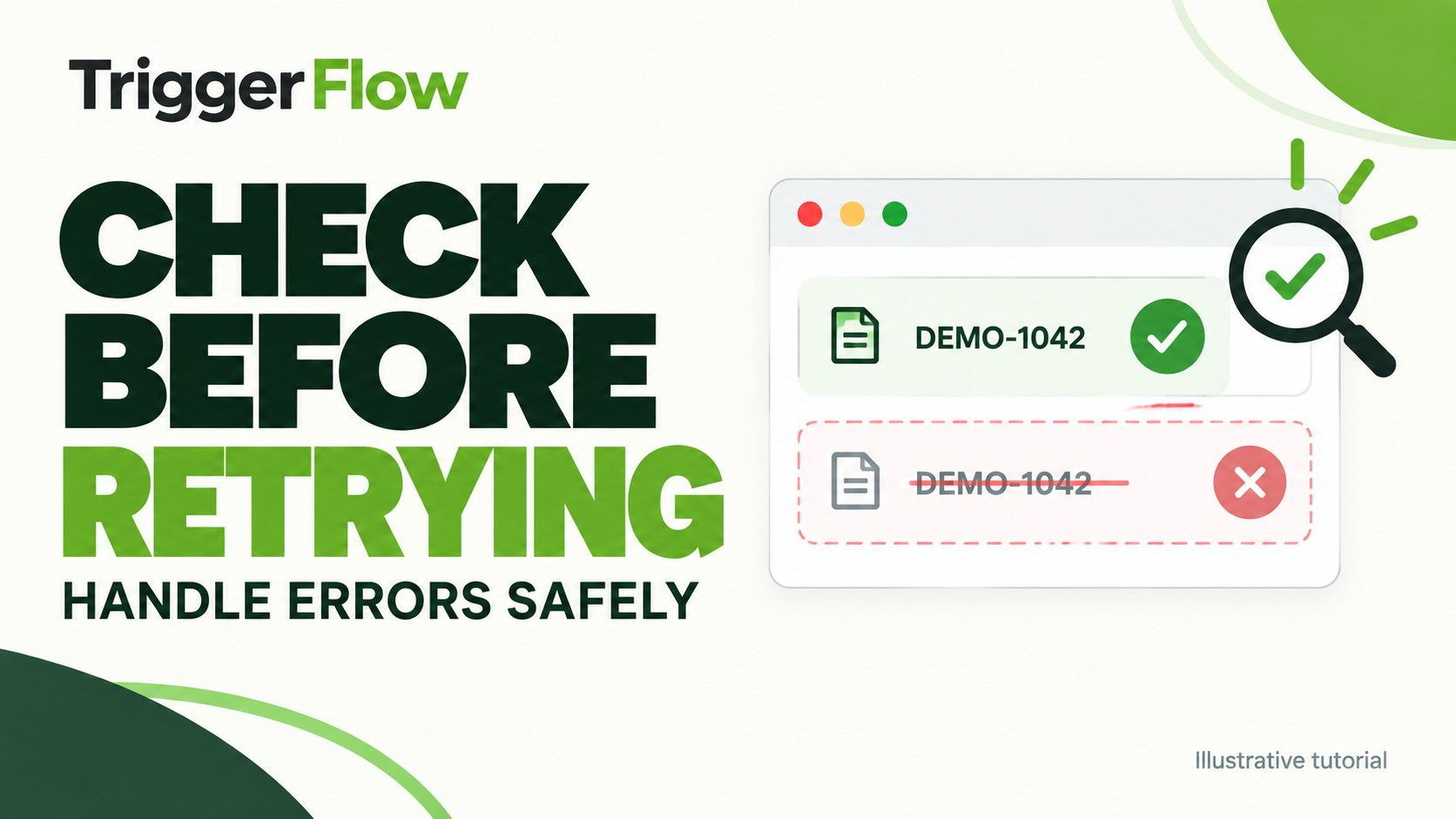
Check before taking the next action
After the action, wait for the expected condition with a reasonable bound. If it is missing, inspect whether the result already exists before repeating an operation that could create another record or overwrite output.
Make each branch explicit: confirmed success can continue, a known temporary state can wait, and an unknown state should stop for review. Build with fictional inputs so the failure path is safe to test.
Keep retries bounded
Set a limit on attempts and decide which alert or stop state should follow exhaustion. Test both a slow success and a real failure. Use the screenshot and run history to understand the cause before increasing retry limits; extra attempts do not repair a wrong target or changed interface.