
Watch the walkthrough
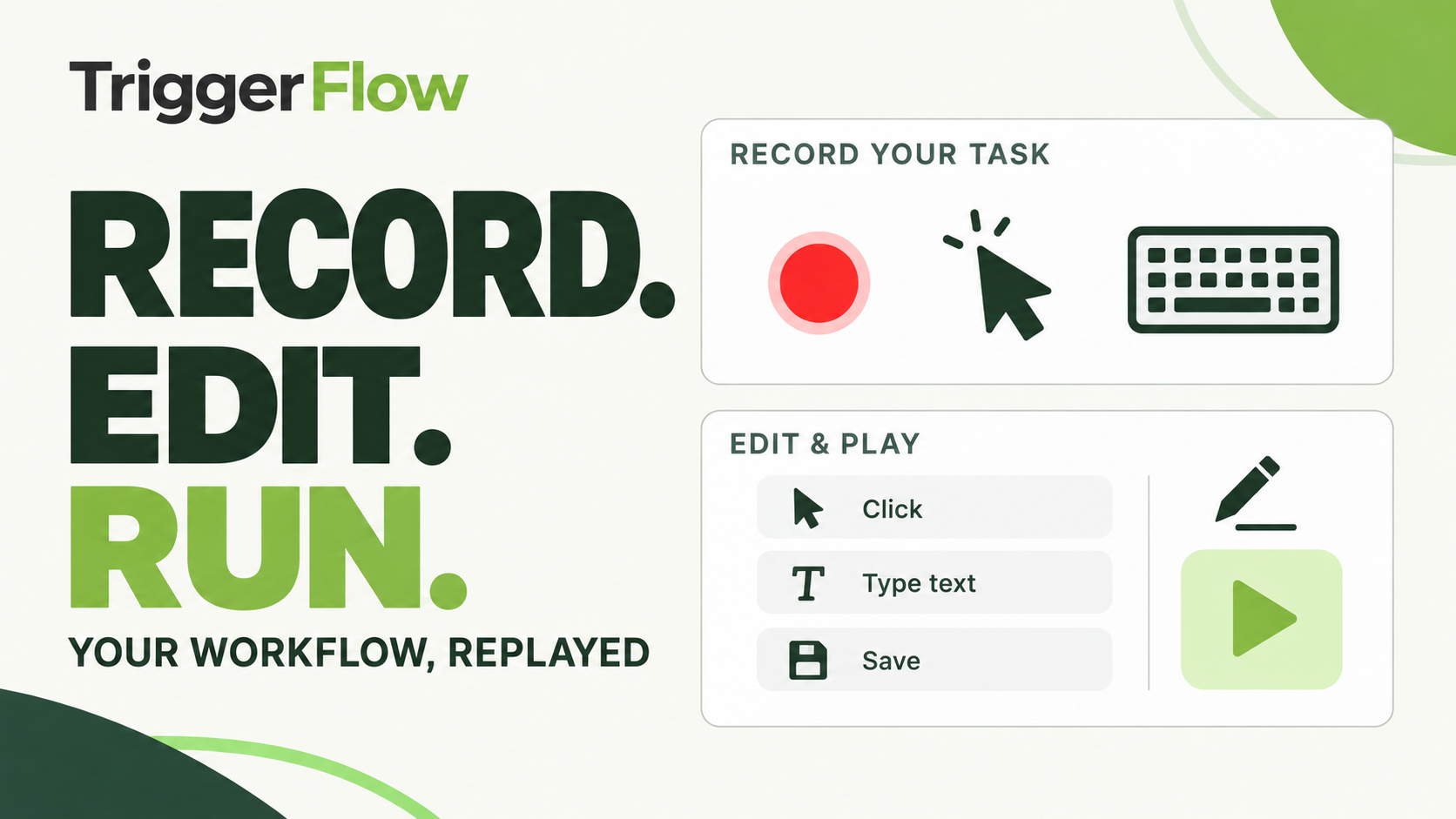 Play tutorial 2:15
Written walkthrough. Follow the steps below alongside the video, then configure and test your own setup.
Record one clear task
Start in a known application state and work through a short, familiar sequence with fictional data. Keep the task focused on one outcome so you can inspect what was recorded. Avoid including passwords, unrelated windows or actions that you do not intend to repeat.
Review the actions in the editor
Read the sequence and remove accidental steps. Check the target window, field order and changing values. Replace assumptions about timing with appropriate image, window or text checks so the next action waits for the state it needs.
A recorded coordinate can be useful in a controlled setup, but it depends on the layout staying the same. Test the display scaling and window arrangement that the target PC will use. If the interface changes, review the saved actions before running again.
Run once and inspect the result
Test a complete run and verify the actual output. Add stop conditions and a bounded failure path, then repeat from the expected starting state. Keep the tested version together with its required images. Validate again on another machine before you share or schedule it there.