
Watch the walkthrough
 Play tutorial 1:54
Two modes: do it now, or make it reusable
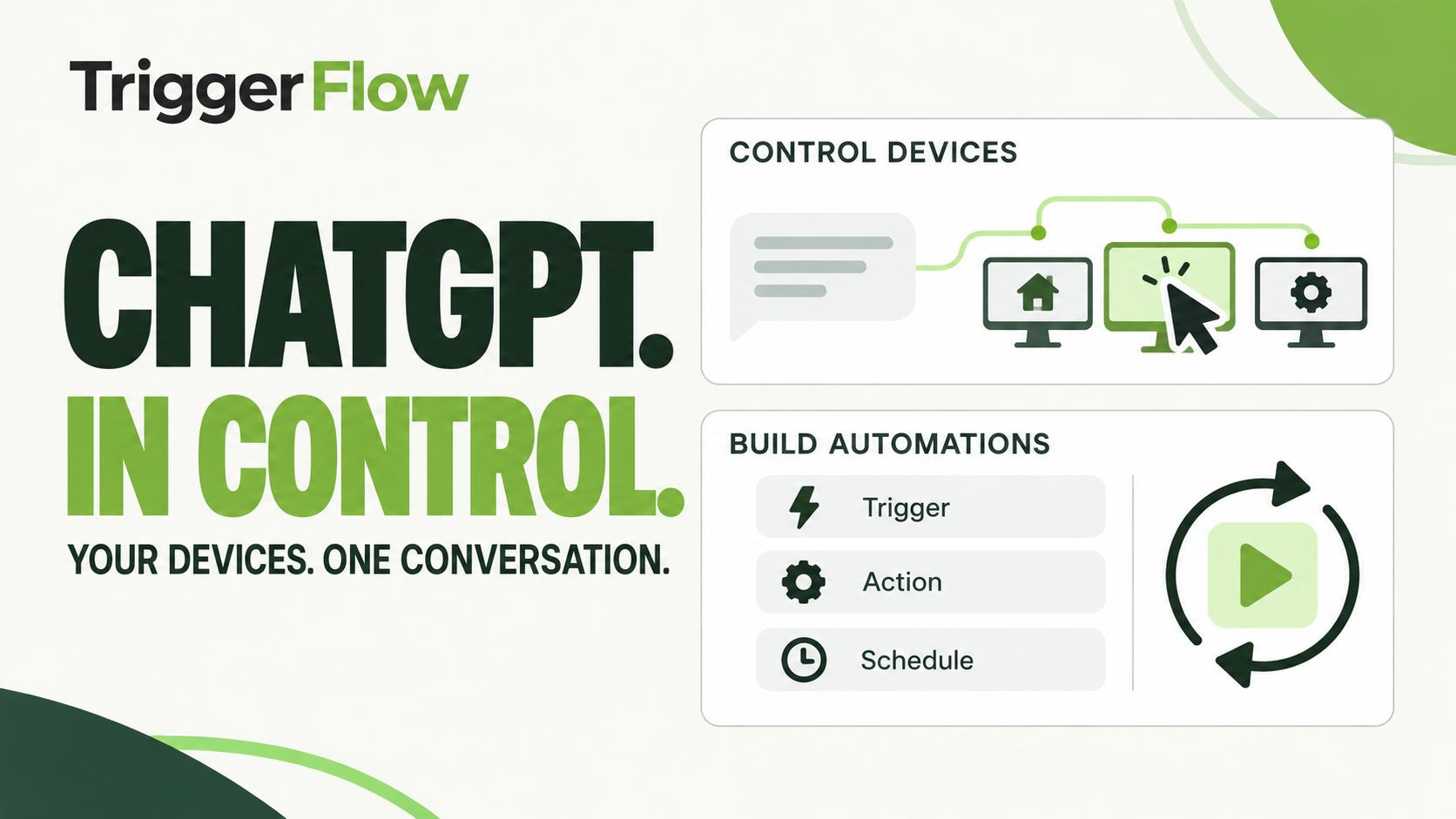
In Control mode, ChatGPT can view the selected device and work through the task on its screen. That suits a one-off job or troubleshooting a workflow. In Build profile mode, it creates and edits a saved automation for work you need to repeat.
Direct control, building and troubleshooting use AI. The saving comes when the finished profile uses standard actions and can repeat the same steps locally without a model call on every run.
How a profile gets built
The AI uses screenshots to understand the selected application, drafts the profile and validates it. A supervised test runs on the real PC. Only the exact tested version is installed, so a later edit must go through validation and testing again before it becomes the running version.
Review the task boundaries and output, then schedule the tested profile. Test failure paths as well as a successful run: a missing window or unexpected result should lead to a deliberate stop or bounded retry.
Why it runs without AI
Standard actions are deterministic: the saved workflow performs its configured steps without asking a model to choose each action. Run history shows the AI-call count. Profiles that explicitly contain AI actions still call their configured provider and can incur provider charges.
Safety and control
Sign in to TriggerFlow with two-factor authentication. A grant covers one device, and permission to control it is separate from profile building. Access is owner-only; you can stop instantly and revoke the grant at any time. Screenshots and typed text expire quickly rather than becoming a permanent screen archive.
Works with ChatGPT and Codex today
The connection uses standard MCP with ChatGPT and Codex. TriggerFlow is not affiliated with OpenAI. The video is an illustrative product preview with fictional data, not evidence that a particular customer application has passed a live test.
Beta: what you need
ChatGPT control is a Business feature in beta. Setup currently uses ChatGPT Developer mode and is enabled per account. Ask to join the beta so we can review the device, application and workflow you want to use. The Pro trial does not automatically enable Business beta access.