
Watch the walkthrough
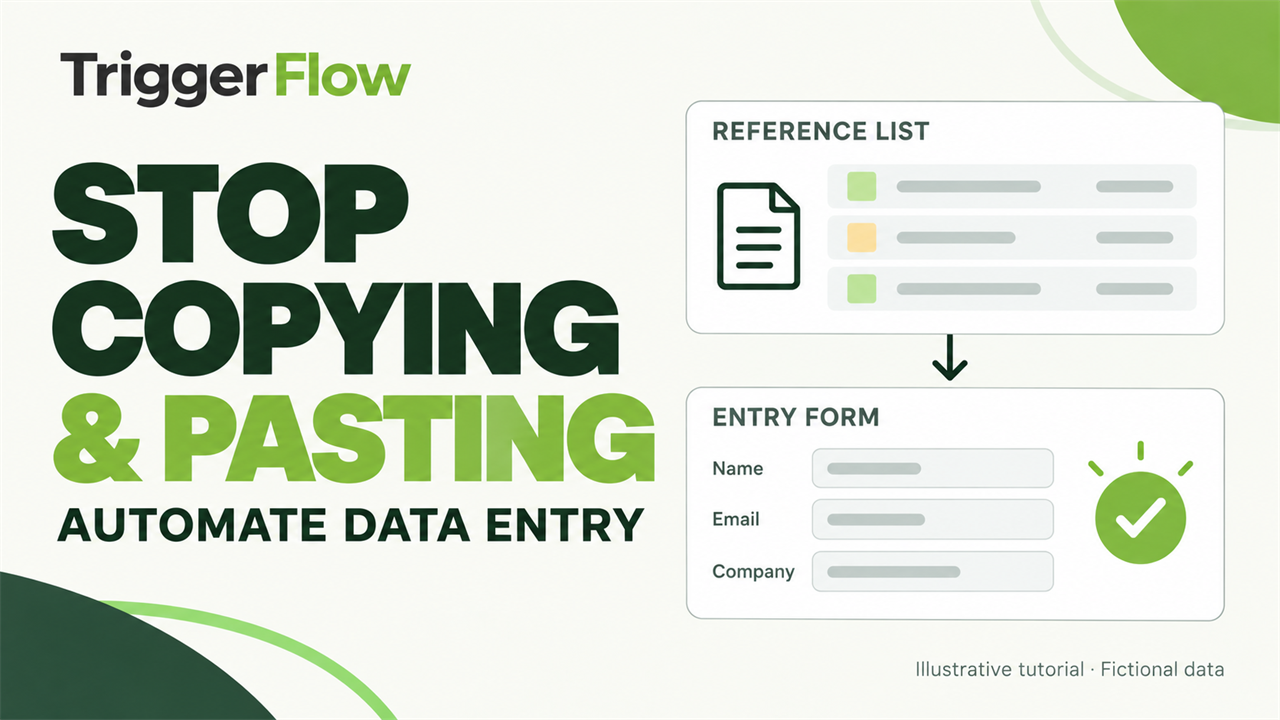 Play tutorial 4:49
Written walkthrough. Follow the steps below alongside the video, then configure and test your own setup.
Prepare the source and target
Use a small set of fictional records while you build. Identify the target application, required fields and the meaning of a successful save. Check which values change between records and which remain fixed. Leave credentials and real customer information out of examples.
Map one record
Record the input sequence or assemble actions in the editor. Use variables for changing values and find the correct field before typing. Run a single record from the expected starting screen and inspect every destination field before committing it.
Do not assume that matching the number of clicks means the record is correct. A slow screen, validation message or focus change can put text in the wrong place. Add visible checks between stages and stop when the expected state is missing.
Verify before repeating
Confirm the saved record and define how a failure will be handled without duplicating an entry. Test a missing required value and a delayed response. When the single-record test passes, expand to a small batch and review the results before scheduling more work.