
Start with a workflow you recognise.
Watch TriggerFlow tutorials, follow the written setup guides and learn what to check in your own Windows applications and dashboard.
Practical guides to automation and oversight.
Build a report export, read on-screen values, set up alerts and manage your devices. Watch the videos and keep the written steps beside you.
 6:33
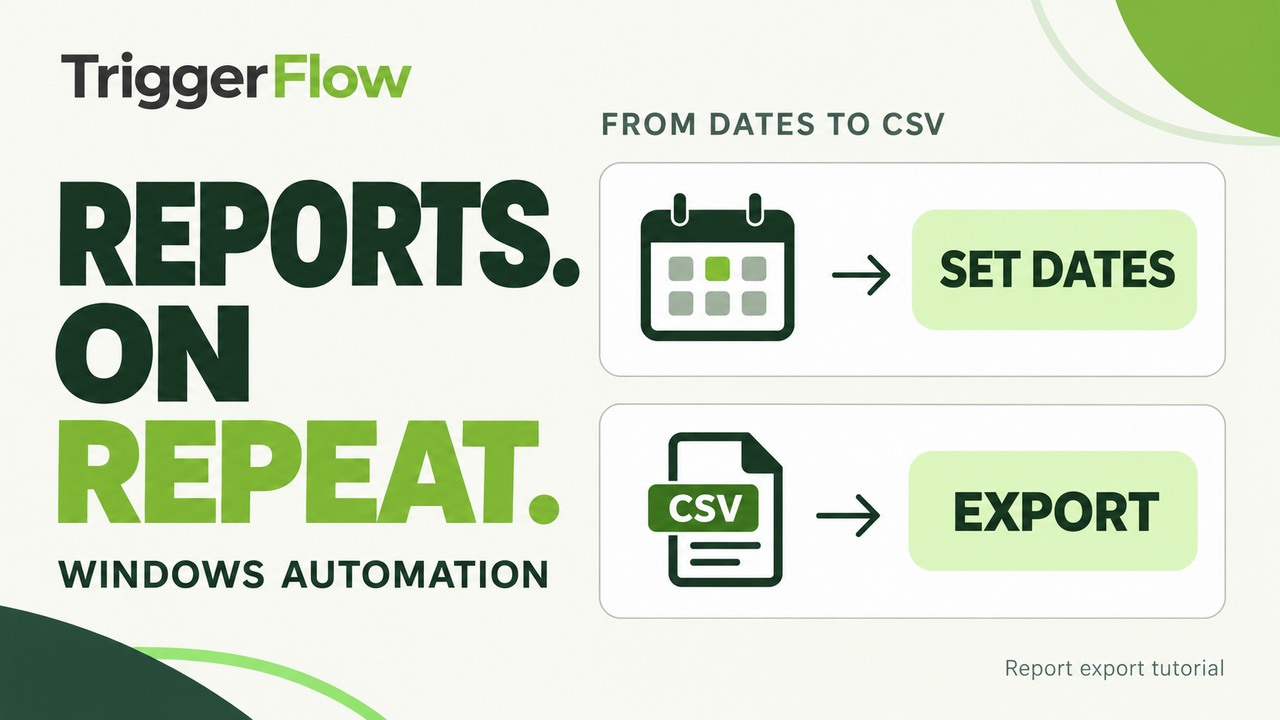
6:33Build a report-export workflow
Set the dates, wait for the export button and check the saved CSV. Follow the build and watch a complete run.
Watch and follow along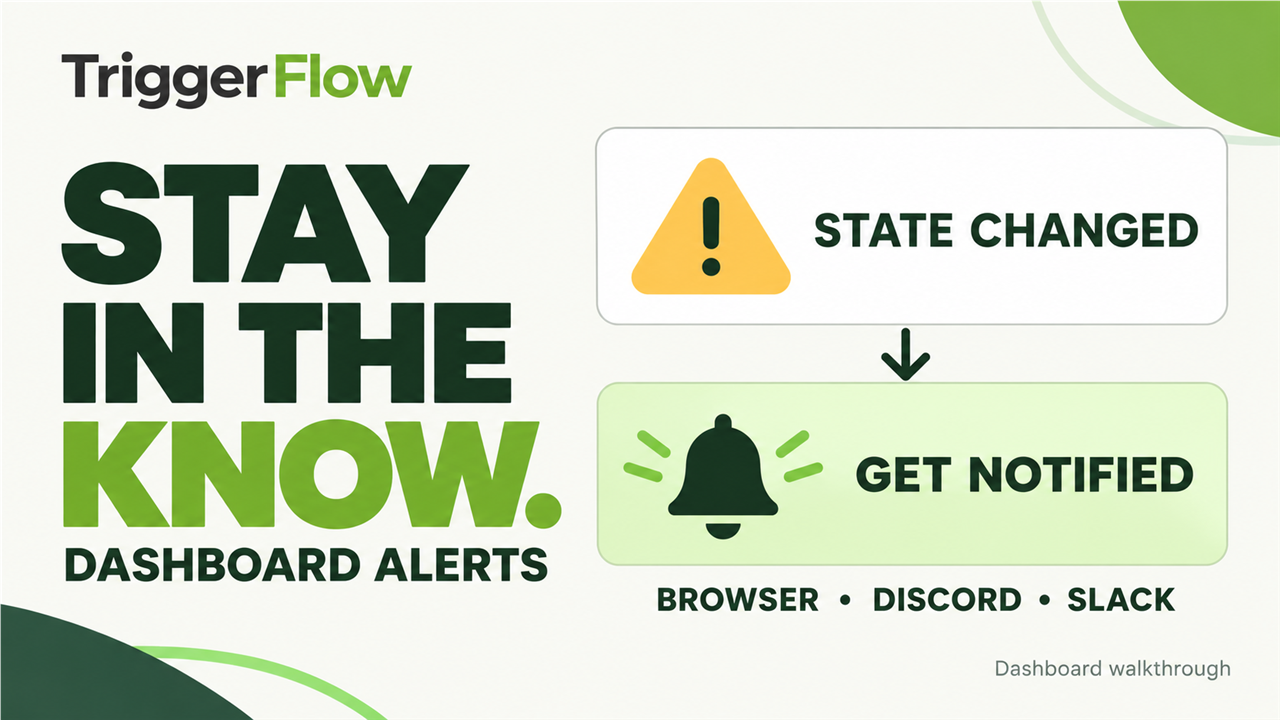 7:35
7:35Set up dashboard alerts
Choose alert rules, set up browser push, Discord and Slack, and understand what to do when a workflow needs attention.
Watch and follow along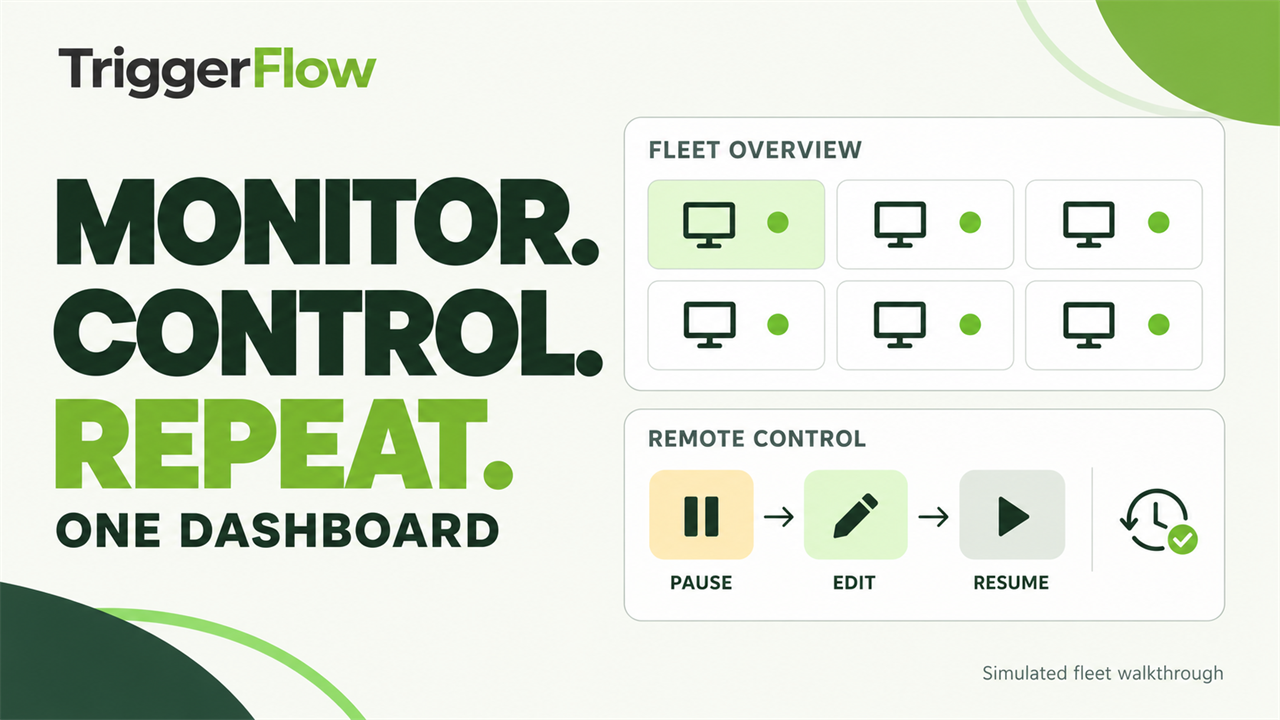 5:44
5:44Monitor and control your automations from one dashboard
Inspect device status and screenshots, pause a selected counter, make a remote change and review a completed run.
Watch and follow along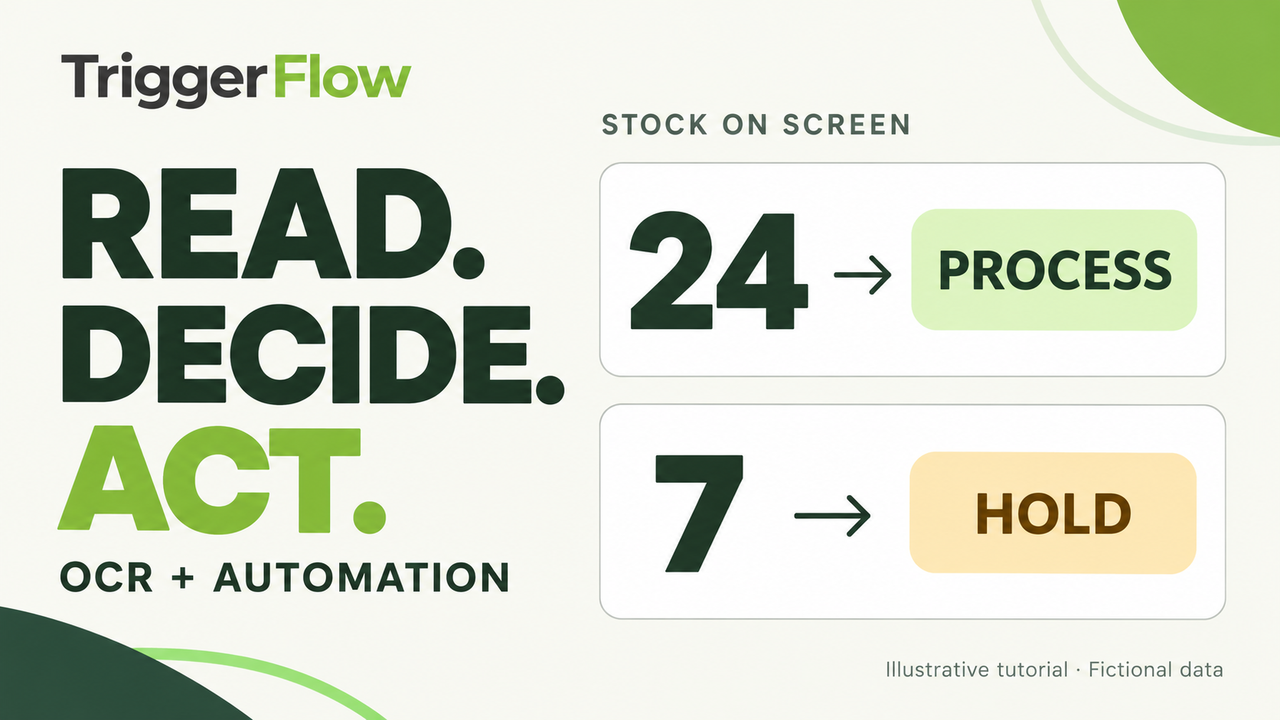 4:45
4:45Read text on screen and automatically decide what happens next
Capture a stock number, check the saved value and configure a screen-based decision to process a test order or hold it for review.
Watch and follow along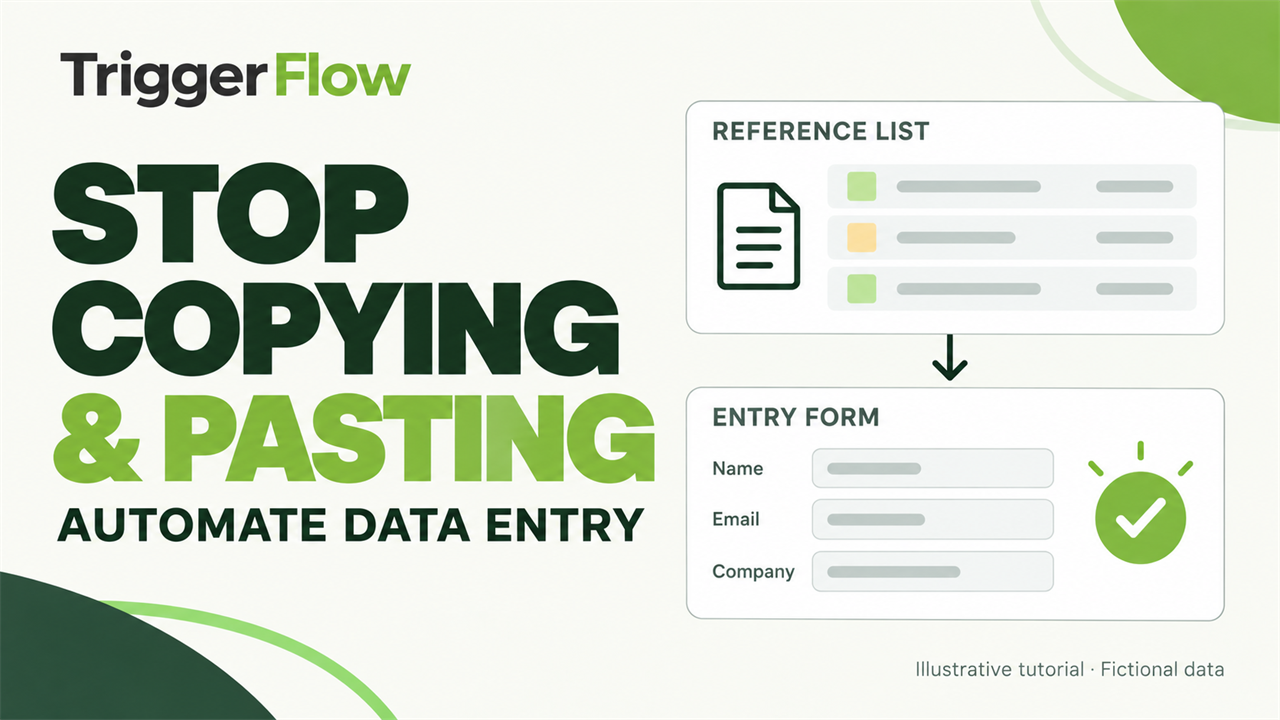 4:49
4:49Stop copying and pasting: automate repetitive data entry
Move records into a Windows application with reusable variables and checks between entries.
Watch and follow along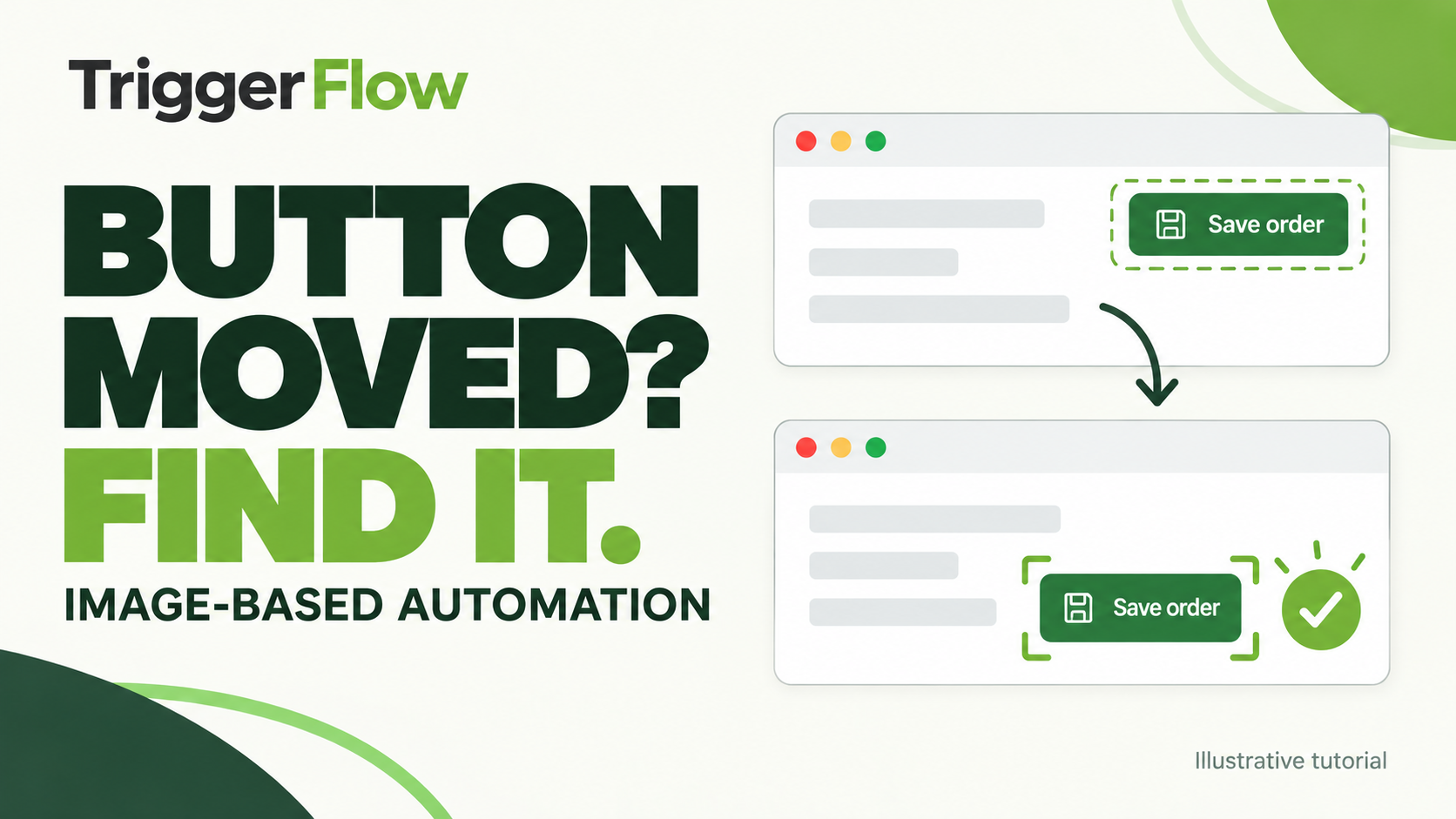 2:42
2:42When buttons move: image-based automation
Find a recognisable button within a search region instead of relying on fixed coordinates.
Watch and follow along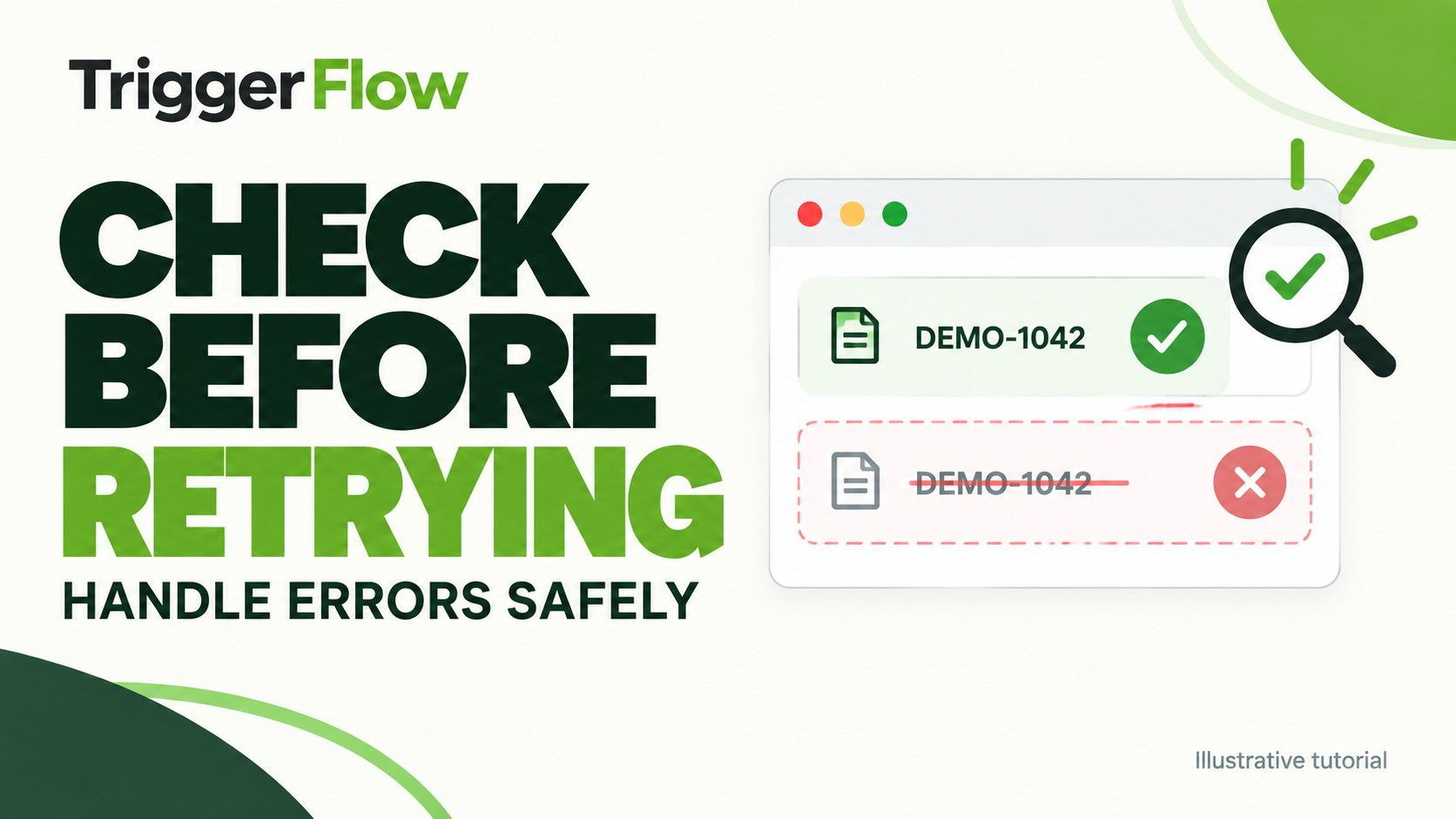 3:01
3:01Check before retrying: handle automation errors
Check what happened before trying again. Add bounded retries and a clear stop condition.
Watch and follow along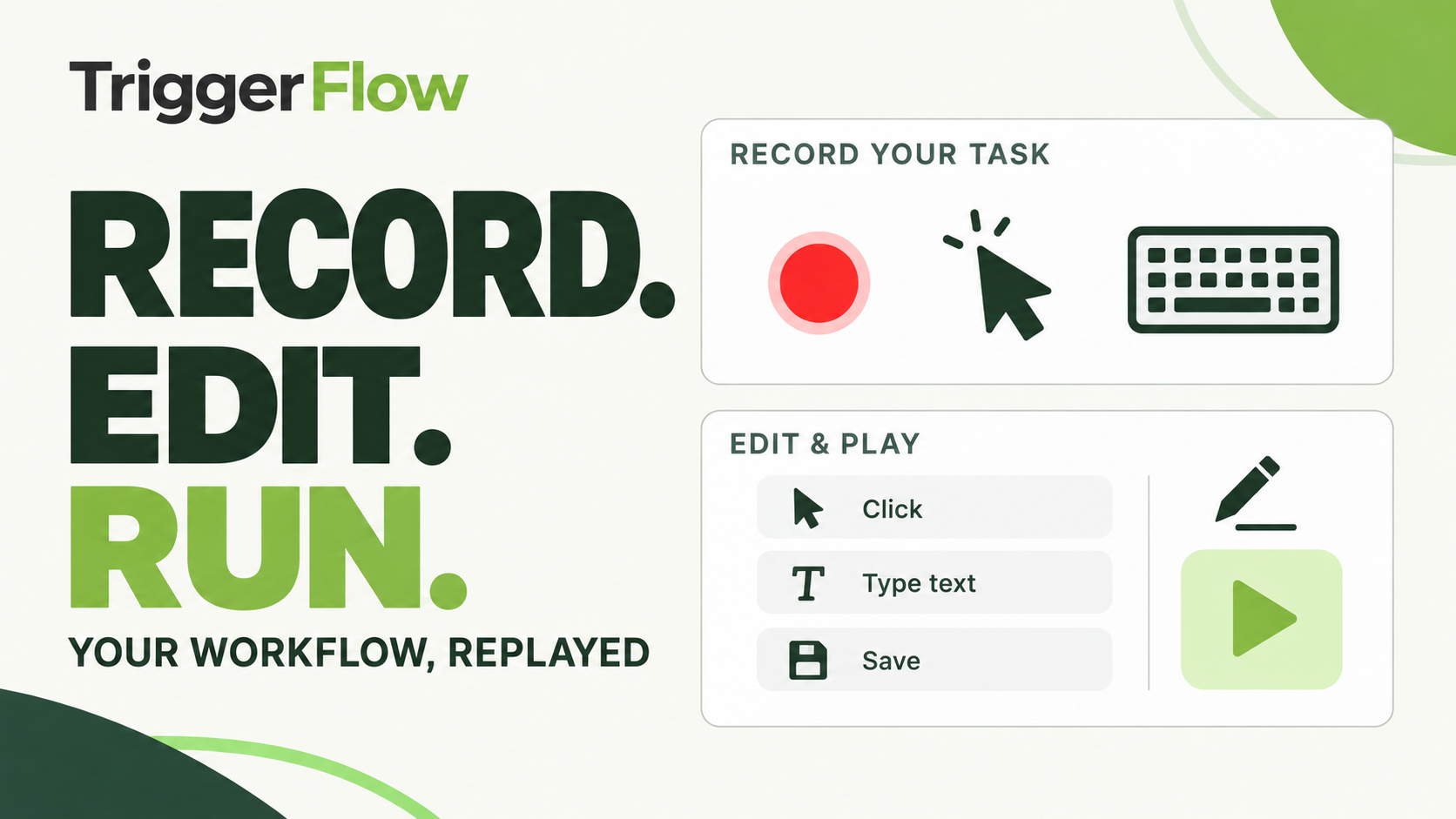 2:15
2:15Record your workflow, edit it and run it again
Start with recorded actions, edit the sequence and add the checks a repeatable workflow needs.
Watch and follow along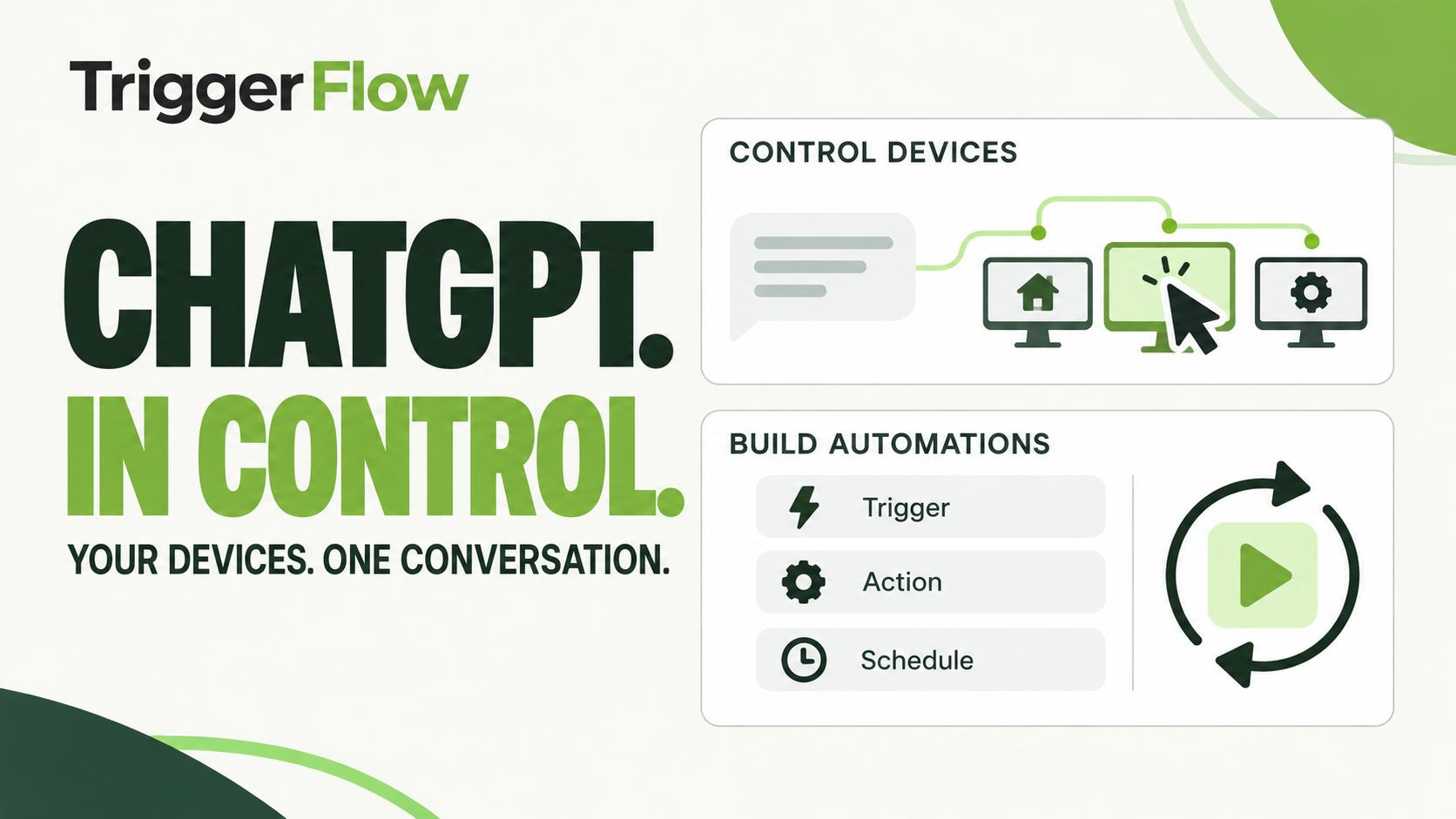 1:54
1:54ChatGPT: control your devices and build repeatable automations
Ask ChatGPT to do the job, save it as a profile, test it on the real PC and schedule it.
Watch and follow alongPick one task your team repeats every day. Automate it this week.
Try automation, fleet monitoring and remote control together for 14 days on up to 5 Windows PCs. Or request a demo and James will reply by email to arrange it.